Film and series player
Your living room is the cinema now.
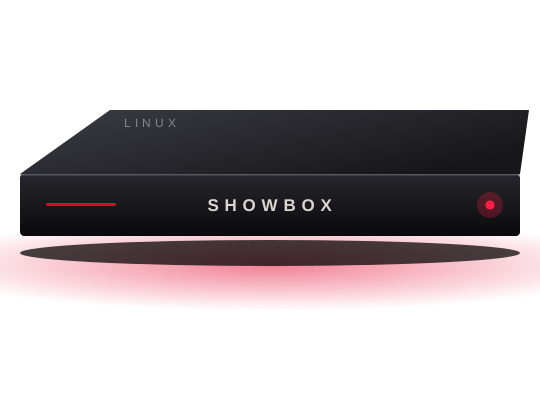
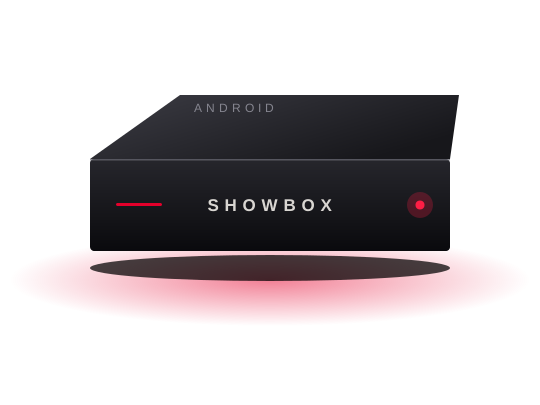
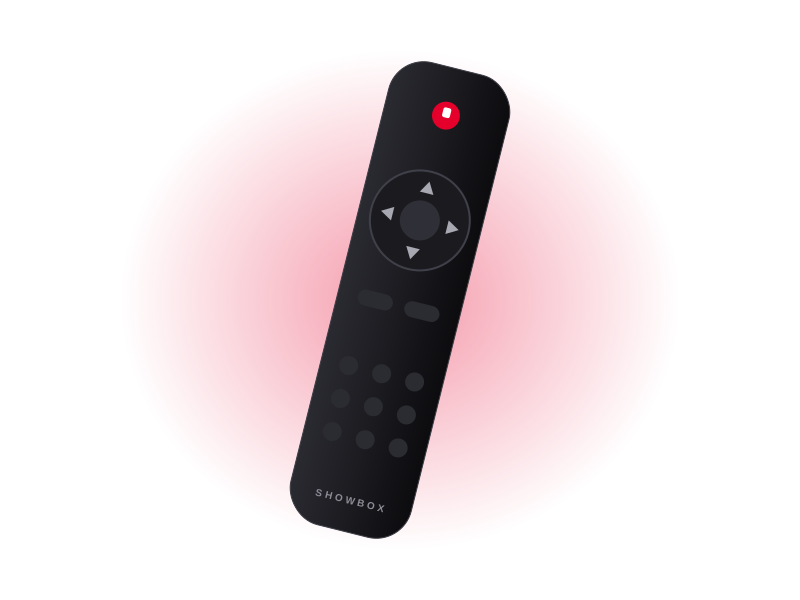
Connect ShowBox to your television, settle in, and reach your films and series with one remote. Choose Linux or Android, whichever suits you.
- Linux or Android
- Pay with Snapp Pay
- Track orders in your account
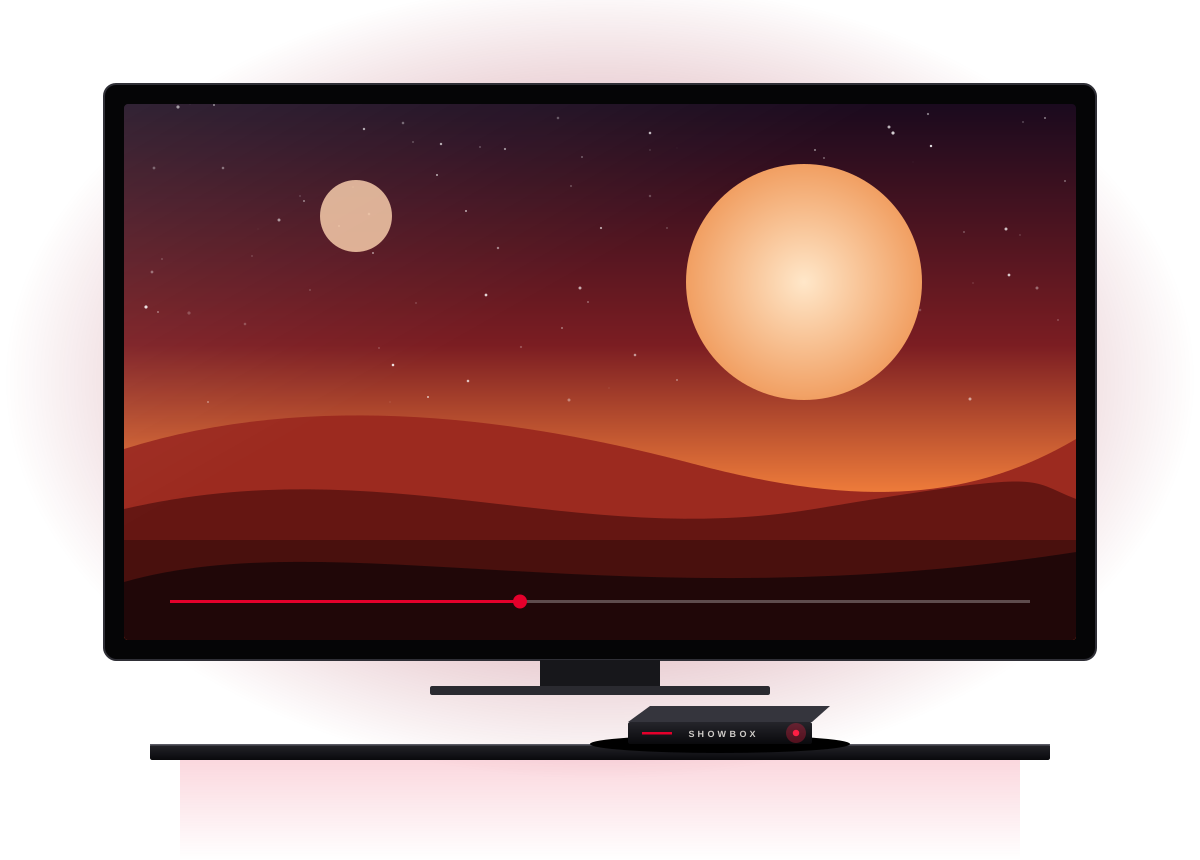








Two paths, one experience
The system that fits how you watch
Shop
ShowBox products
How buying works
Clear and trackable, from choosing to delivery
Join with your mobile
Enter your number and sign in with a text-message code.
Save your address
Save your name, email and full postal address once.
Pay with Snapp Pay
Place the order and complete payment on the Snapp Pay page.
Track and receive
Follow your order status and tracking code in your account.
Payment
Buy through Snapp Pay
Payment happens on the secure Snapp Pay page, and your card or credit details never reach the ShowBox website. Availability and terms are shown before you confirm.
Common questions
Before you buy
What is the difference between Linux and Android?
Both are built for watching films and series on a television. The Android model can also run Android apps, while the Linux model gives a simpler, more focused experience.
Do I need an account to order?
Yes. Joining takes only your mobile number and a text-message code, and your address is saved for later orders.
How does payment work?
After placing your order you go to the Snapp Pay page. You pay there, and the result is recorded in your account.
Can I add a note or special request?
Yes. The order page has a space for your note, and the ShowBox team sees it with your order.